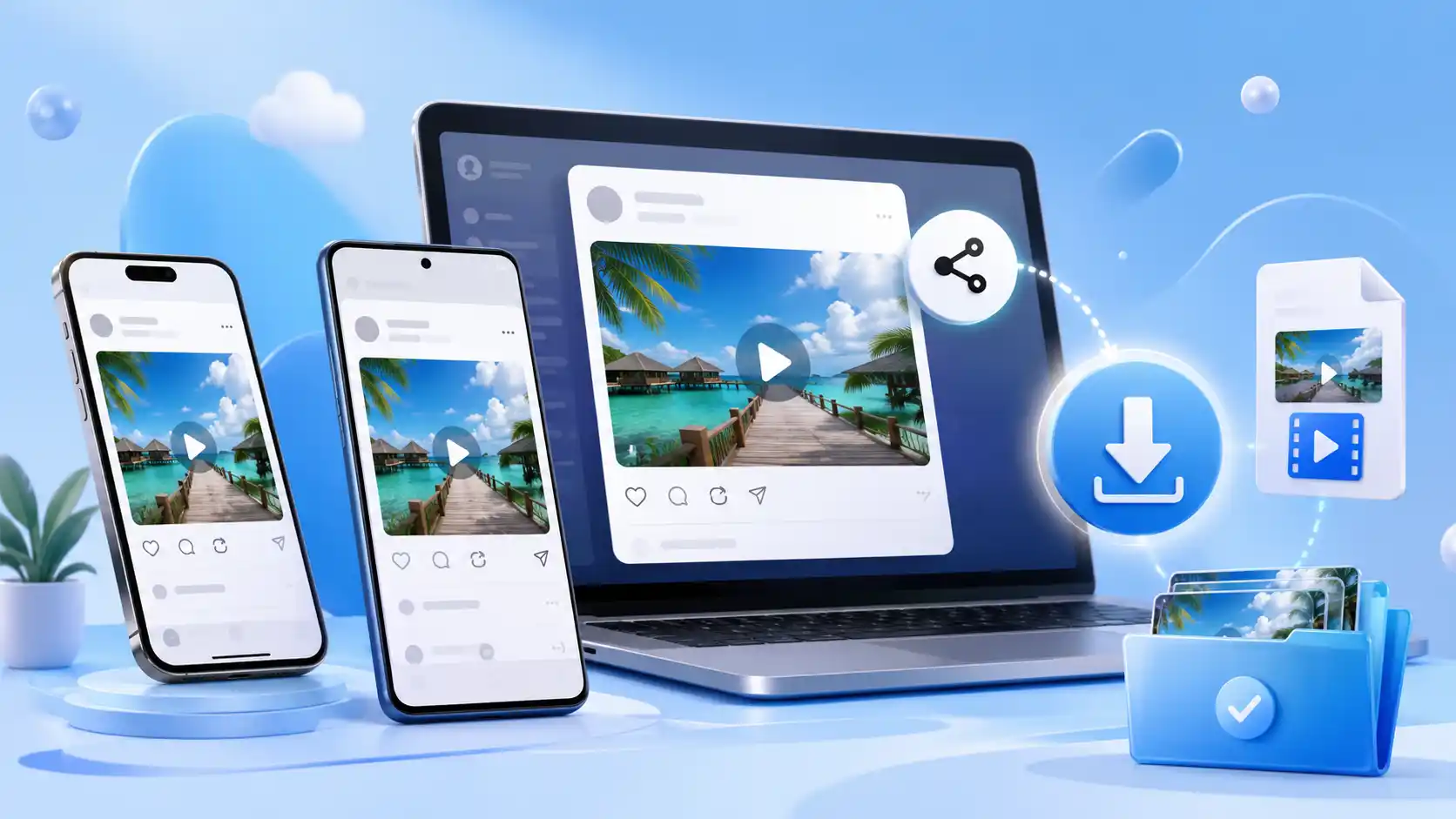
Threads has no built-in download button. To save a Threads video, tap the share icon under the post, choose Copy Link, paste that link into a browser-based Threads video downloader such as Clipzuno, then save the MP4 to your device. The process takes under a minute, works on iPhone, Android, Windows, and Mac, and requires no app, no login, and no watermark.
That is the short version. The rest of this guide covers what actually trips people up: the two Threads link formats, where iOS hides your file after downloading, what “HD” really means on Threads, and when saving a video crosses a legal line.
Does Threads Have a Built-In Video Download Button?
Threads provides a Save feature to keep posts in the app, but saving a post is different from downloading its video as a local file. For a shareable Threads post, Meta also provides a Copy link option through the Share menu.
Meta never shipped a download button for any of it.
The Save button is a bookmark, not a download

Threads does offer a Save option, and this is where most people get stuck. Saving a post adds it to a list inside the app. It does not put a file on your phone.
That distinction matters more than it sounds. A bookmark is a pointer, like writing down a library shelf number instead of borrowing the book. When the creator deletes the post or the account disappears, your saved item leads nowhere. A downloaded MP4 sits on your device permanently and plays without an internet connection.
Threads and Instagram share infrastructure, and Instagram behaves the same way. Neither app supports offline saving, which is exactly why browser-based downloaders exist.
How to Download a Threads Video in 4 Steps
This method works on every device with a modern browser. Nothing to install.
Step 1: Copy the Threads post link

Open the post in the Threads app or on threads.com. Tap the share icon (the paper plane) underneath the post, then tap Copy Link.
On a computer, skip the share menu and copy the URL straight from your browser’s address bar.
Copying the URL directly also reduces the chance of accidentally entering an incomplete or malformed link.
Step 2: Paste the link into the downloader

Open Clipzuno in your browser, paste the link into the input box, and press Download.
The tool reads the post and pulls the media directly from Threads. No account, no extension, and no Threads login handed to a third party — which keeps your credentials out of the equation entirely.
Step 3: Check the preview before saving

A thumbnail loads so you can confirm you have the right clip. If the post holds several items, each one appears separately.
You verify the file before spending bandwidth on it. That matters on mobile data, and it matters more when you are working through a list of links.
Step 4: Save the file to your device

Tap the download button. Videos arrive as MP4 and photos as JPEG. Both formats open on every phone, tablet, and computer without extra software, so nothing you save gets locked behind a player you do not have.
How to Download Threads Videos on iPhone and iPad

iOS handles downloads differently from Android, and this catches people out constantly.
Copy the post link from the Threads share menu, open Clipzuno in Safari, paste, and download. Safari places the file in the Files app rather than your camera roll.
Moving the video into Photos
- Open the Files app and go to Downloads
- Press and hold the video file
- Tap Save Video
The clip now sits in your camera roll alongside everything else, ready to edit, share or repost.
Cannot find the file at all? Check Safari’s download indicator, the small arrow icon near the address bar. It lists recent downloads and taps straight through to the file.
How to Download Threads Videos on Android
Android is the simpler of the two.
Copy the link from the share menu, open Clipzuno in Chrome or any browser, paste and download. The file goes straight to your Downloads folder, and most gallery apps detect it automatically within seconds.
If the video does not surface in your gallery, open your file manager, go to Downloads, and play it from there. Some gallery apps refresh on a schedule rather than instantly, so the file is present even when the thumbnail has not appeared yet.
How to Download Threads Videos on Windows, Mac and Linux
Open the Threads post in your browser, copy the URL from the address bar, paste it into Clipzuno and click Download. The file lands in your standard downloads folder.
Desktop is the better choice for bulk work. Copying URLs from an address bar beats tapping through a share sheet on every single post, and desktop browsers handle back-to-back downloads without the interruptions mobile browsers throw at you.
What You Can Download From Threads
Threads posts hold more than plain video, and each media type behaves differently.
| Media type | Downloads as | What to expect |
| Video | MP4 | Short clips and longer uploads both work |
| Photo | JPEG | Original upload resolution, nothing cropped |
| Carousel | MP4 + JPEG | Each item detected separately, saved one at a time |
| GIF | MP4 | Threads stores GIFs as looping video, so the steps are identical |
A single Threads post can hold up to ten items. Every one is listed individually, so you pick exactly what you want instead of pulling down the whole set.
Threads Video Quality: What HD and 4K Actually Mean
Several downloader sites advertise 4K Threads downloads. That claim deserves scrutiny.
A downloader cannot create a resolution that does not exist. It retrieves the file Threads is hosting, and Threads compresses uploads, typically serving video at 720p or 1080p. If a creator uploaded 4K footage, Threads still delivers a compressed version to viewers, and that compressed version is what any tool can reach.
The honest promise is this: A downloader can retrieve only the media quality that Threads currently makes available for the post; it cannot restore resolution that the platform no longer serves.
Re-encoding is where quality quietly dies. Every extra compression pass softens detail and adds artifacts. A downloader that avoids additional re-encoding can preserve the quality of the media version Threads makes available for that post.
Downloader vs Screen Recording vs Screenshot
Three methods exist. They are not equivalent.
| Method | Quality | Audio | Watermark | Time needed |
| Browser downloader | Original file | Intact | None | Under a minute |
| Screen recording | Degraded | Often missing | None | Real time |
| Screenshot | Single frame | None | None | Instant |
Screen recording re-captures video through your display, stacking compression on compression, and it picks up any notification that appears mid-recording. A three-minute clip costs you three minutes. Both iOS and Android also restrict internal audio capture in several contexts, which is why recorded clips so often come out silent.
Screenshots freeze one frame. Useful for quoting text or grabbing a thumbnail, useless for video.
Browser downloaders retrieve the source file, which is why they win on every measure that matters.
Threads Link Formats That Cause Problems

Threads hands out more than one type of link, and knowing the difference saves real frustration.
- Full permalink: threads.com/@username/post/ABC123 — the standard format from the share menu or address bar
- Short link: threads.com/t/ABC123 — the share sheet produces this one
- Legacy domain: threads.net links still circulate from older posts
All three point to the same content, so paste whichever one you have. Trouble starts when a link gets cut short by a chat app or an email preview, so copy it fresh from the share menu rather than pulling it out of a message.
One more check: an instagram.com link is not a Threads link, even when the same creator posted the same clip to both apps. Cross-posted content needs the link that matches the platform you are pulling from.
When Your Threads Download Is Not Working
Common reasons a Threads download may fail include the following:
The account is private
Downloaders read publicly accessible posts only. A private account or a restricted post cannot be fetched, and no tool changes that. Treat this as a boundary rather than a bug.
The post was deleted
Links outlive the posts they point to. A URL sitting in your clipboard from last week still looks perfectly valid. Open it in a browser to confirm the post still loads.
The media link expired
Temporary media links can sometimes stop working. If a previously working download fails, reopen the original Threads post, copy its link again, and retry.
The post has no downloadable media
Text-only posts and link previews contain nothing to save. The preview card Threads renders for an external article is generated on the fly, not an uploaded file.
A browser extension is interfering
Ad blockers and privacy extensions sometimes block the download request. Retry in a private or incognito window to rule this out in about ten seconds.
Is It Legal to Download Threads Videos?
Downloading a Threads video does not automatically permit you to reuse it. Copyright rules vary by country, and the creator may still own the rights to the video even when the post is publicly visible. Downloading your own content is the clearest case. For someone else’s content, get permission before reposting, editing, advertising with, or commercially distributing the video unless an applicable copyright exception allows the use.
Reasonable uses:
- Saving a clip to watch offline
- Backing up your own Threads content
- Keeping reference material for research or study
- Documenting a post before it disappears, a standard verification practice in journalism
Uses That May Require Permission:
- Reuploading someone’s video as original content
- Running downloaded clips in paid advertising
- Stripping creator attribution and claiming the work
- Building a monetised account on other people’s videos
Credit the creator whenever you share something you saved. It costs nothing, and it is the difference between citing a source and taking one. When commercial use is on the table, ask permission first.
Conclusion
Threads gives you no way to save video, and that gap shows no sign of closing. A browser-based downloader fills it cleanly: copy the post link, paste it, save the MP4. Three actions, under a minute, on any device you own.
The details separate a smooth download from a frustrating one. iOS routes files through the Files app before your camera roll. Threads serves 1080p, so any 4K promise is marketing rather than reality. Expired links need a fresh paste, not a different tool. And the ethical line sits at republishing, not at saving.
Ready to save one? Paste your link into Clipzuno and the file is yours in seconds — no watermark, no sign-up, no app.
Frequently Asked Questions
Can I download Threads videos without an app?
Yes. A browser-based downloader runs entirely online, so no app, extension or software installation is required. Open the site in Safari, Chrome or any modern browser, paste your link and save the file. Your storage stays free, and no app collects permissions it does not need.
Does the creator know when I download their video?
No. Threads sends no notification when someone saves a public post, and a browser-based downloader never touches your account or theirs. The tool reads publicly available media the same way your browser does when the post loads on screen.
Can I download videos from private Threads accounts?
No. Private posts are not publicly accessible, so no legitimate tool can retrieve them. Any service claiming otherwise is either misleading you or angling for login credentials it has no business holding. Ask the creator directly instead.
Why does my downloaded video have no sound?
Some Threads videos are uploaded muted, and a direct download copies the file exactly as posted. Play the original with your volume up to confirm. Silent files are far more common with screen recording, since both iOS and Android restrict internal audio capture.
Can I download an entire Threads carousel at once?
Yes. Not as a single ZIP or one-click batch file. Clipzuno detects the individual photos and videos in a multi-item Threads post and lets you save each available item separately. This gives you control over which media you want to keep instead of forcing you to download the entire carousel.
Do downloaded Threads videos have a watermark?
No. Clipzuno does not add its own logo, branding, or overlay to the downloaded media. The saved video therefore does not receive an extra Clipzuno watermark.
